
 You can subscribe to our YouTube channel for mod videos.

Omsi2 DLSS 5 WIP Graphics Mod
Download DLSS 5 WIP Graphics mod for Omsi 2.
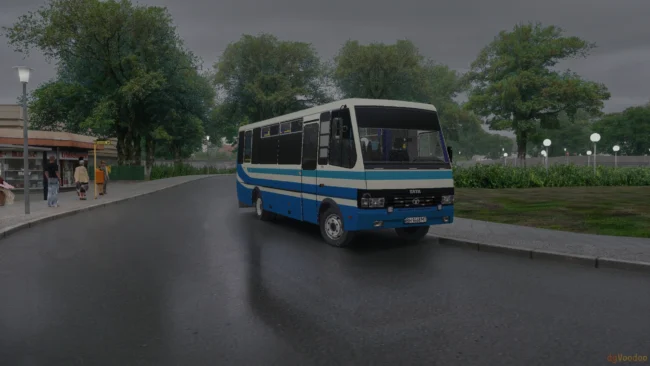
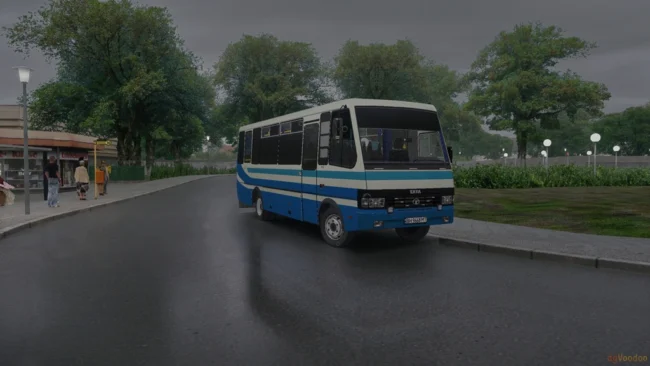
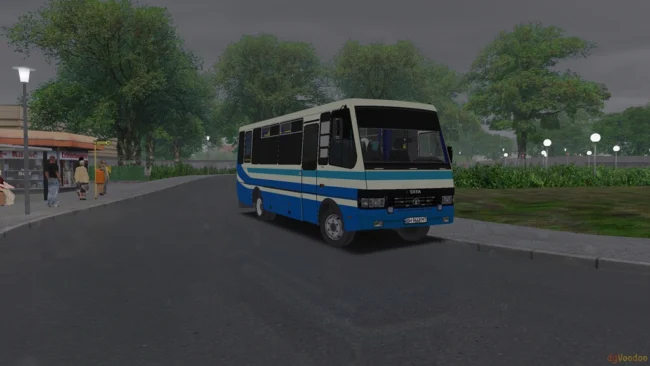
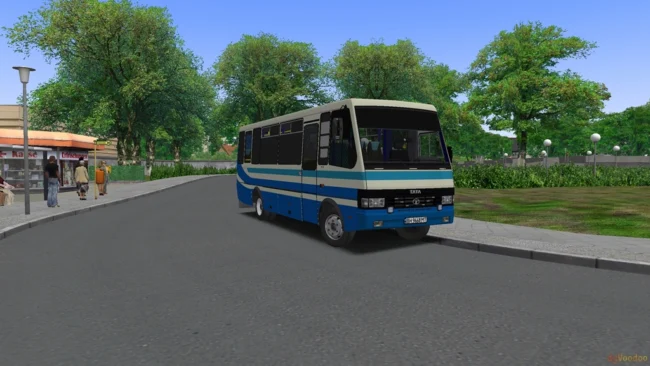
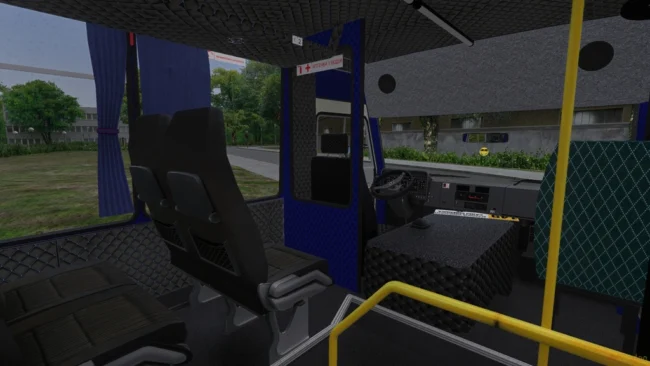
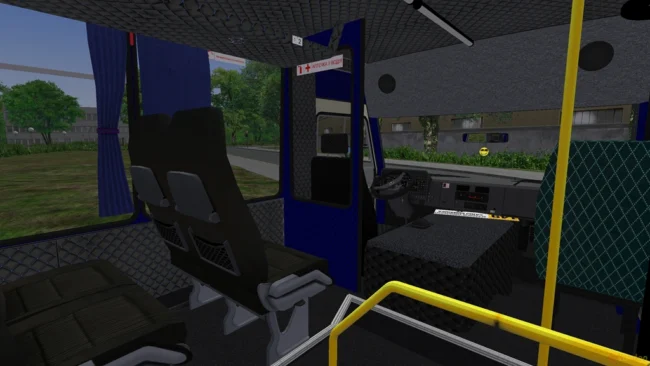
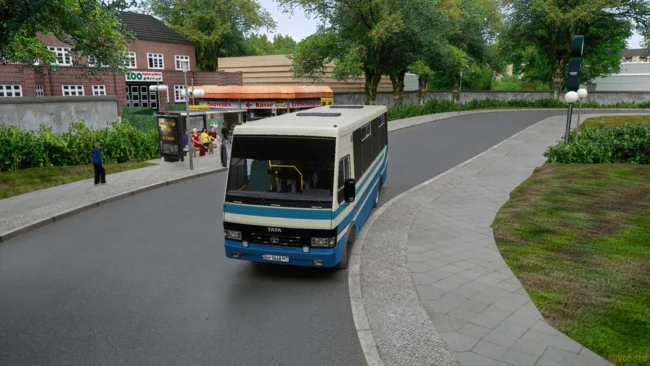
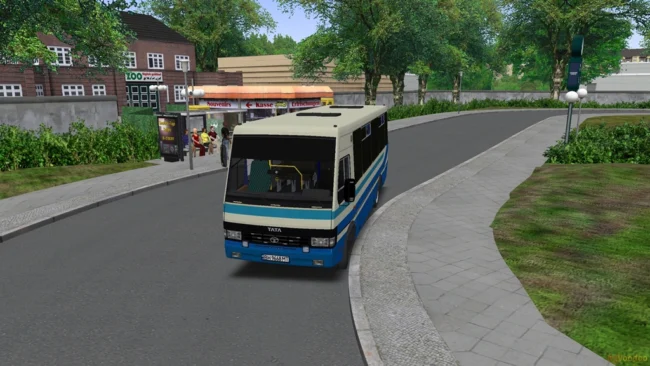
Working DLSS 5 for OMSI 2
Gathered this soy for those who want to refresh the picture in OMSI 2.
The engine here is old, so the scheme works through the crutches.
How this constructor is arranged:
dgVoodoo2 is the main layer that forcibly translates the game from DirectX 9 to DirectX 11.
Watermark from the right from the bottom can be removed in dgVoodooCpl.exe > DirectX > At the bottom: dgvoodoo watermark
DLSS 5 Feeder – through the buffer depth and LumeniteFX Kernel tries to generate motion vectors and feeds this all 64-bit DLSS 5 core (it starts in the background of a separate process).
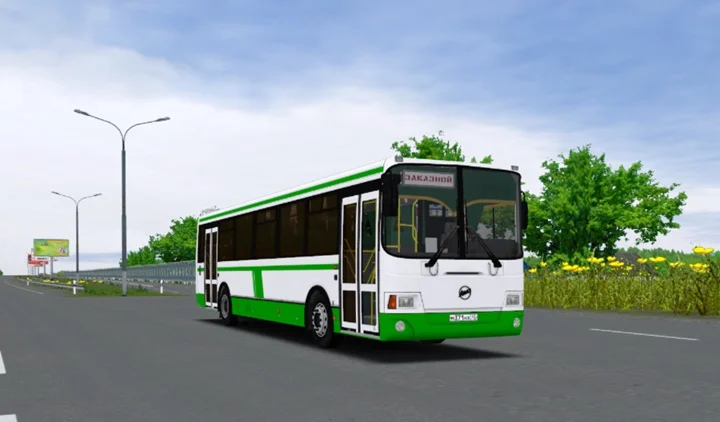
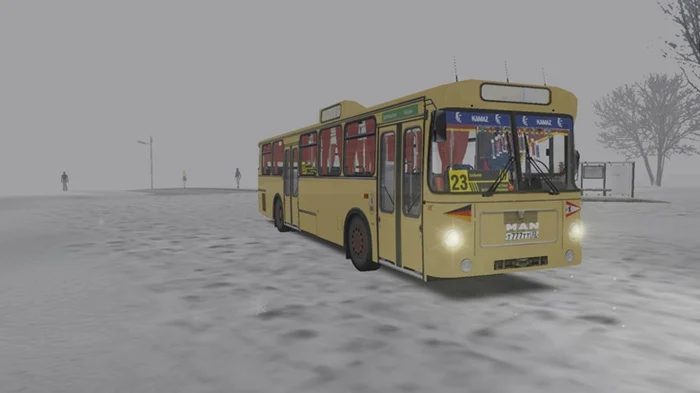
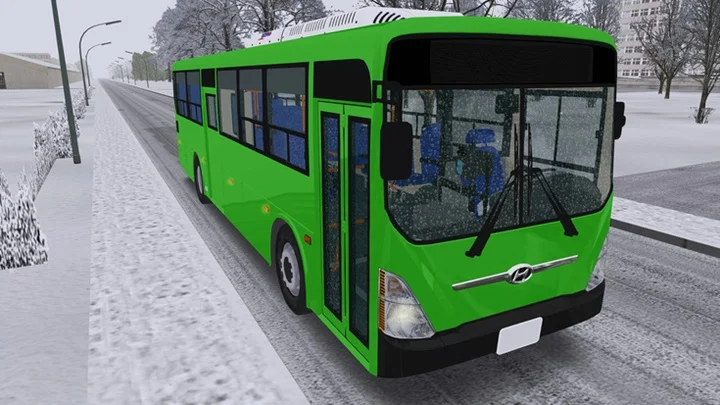
As a result, shadows and lighting in general change, the picture becomes much more presentable.
Important in performance:
The neural network is heavy. On the link RTX 4060 + Ryzen 9 it is hudo-poor in the area of 30 frames in native QuadHD, but the picture is really dense.
If your card is weaker, put at your own risk. (Cards only 20-30-40-50 RTX line)
Installation:
- Throw all files and folders from the archive to the root of the game (where Omsi.exe lies).
- Be sure to roll 4GB Patch on Omsi.exe to optimize it somehow.
- Open the menu on the HOME button and in the “Add-ons” tab, find DLSS 5 Feed (32-bit) and enable (Enabled)
Open menu – HOME
Open the host64 panel – num. “
modsbase.com (139MB) sharemods.com (139MB) drive.google.com (139MB)
This post was updated on 16 October 2026 13:21.
Recent Comments